Forge TUI vs Yazi: Terminal File Manager and Git Workspace
Yazi focuses on terminal file management. Forge TUI focuses on navigating a source repository and reviewing its Git changes.
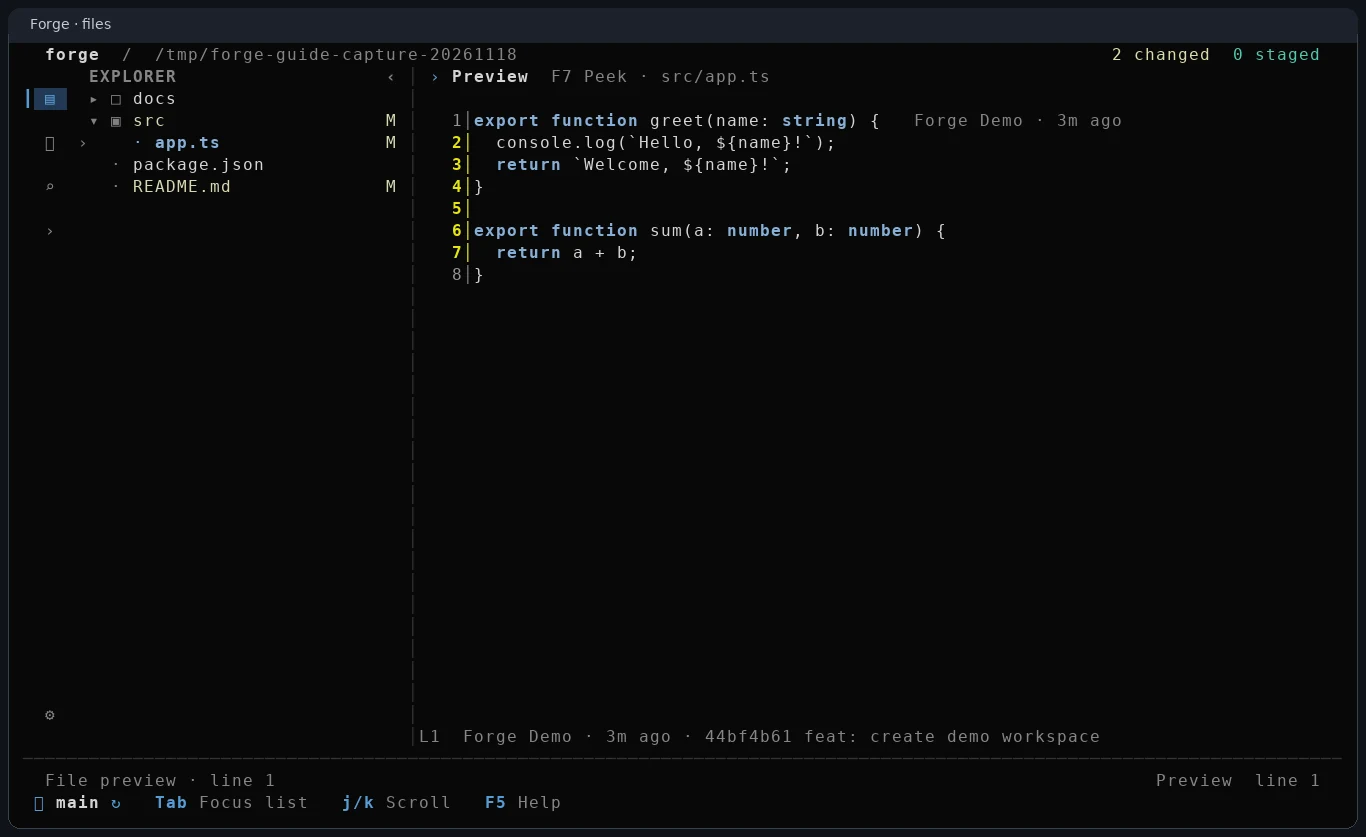
File-manager-first workflow
Yazi is a terminal file manager with its own customization ecosystem. Choose it when general file management rather than source review is the priority.
Repository-first workflow
Forge provides a project tree, code previews, content search, lightweight editing, Git status, diffs and staging. Mouse users can resize panes and use context menus.
Try both in a repository
Locate a modified source file in your preferred file manager. In Forge, open the same project with forge, locate the file, switch to Git and review the changes before committing.
Limits
Forge does not promise Yazi plugin compatibility or an equivalent file-management ecosystem. The tools can complement each other.
Reference: Yazi upstream.
Get started
Explore related workflows
- Forge TUI vs Lazygit: Files and Git in One Terminal
- A Terminal Workspace for Codex CLI | Forge TUI
- A Terminal Workspace for Claude Code | Forge TUI
- Terminal Git Client with Visual Diffs | Forge TUI
- Terminal File Manager with Mouse Support | Forge TUI
- Integrated Terminal for a Git and File Workspace | Forge TUI